
How To Replicate Your DynamoDB Table To A Secondary Database
Using Streams to keep a synchronized copy of your DynamoDB tables.

Replicating your database tables can sometimes come in handy for a variety of use cases.
Some of these may be:
Mirroring your data for a search index/database
Preparing for a database migration
Running analytics workloads on the same data
Whatever your use case may be, being able to replicate your data seamlessly is critical.
With DynamoDB, this process couldn’t be any simpler.
In this article, we’ll take a look at how we can replicate a DynamoDB table to a MySQL RDS database table.
General Overview
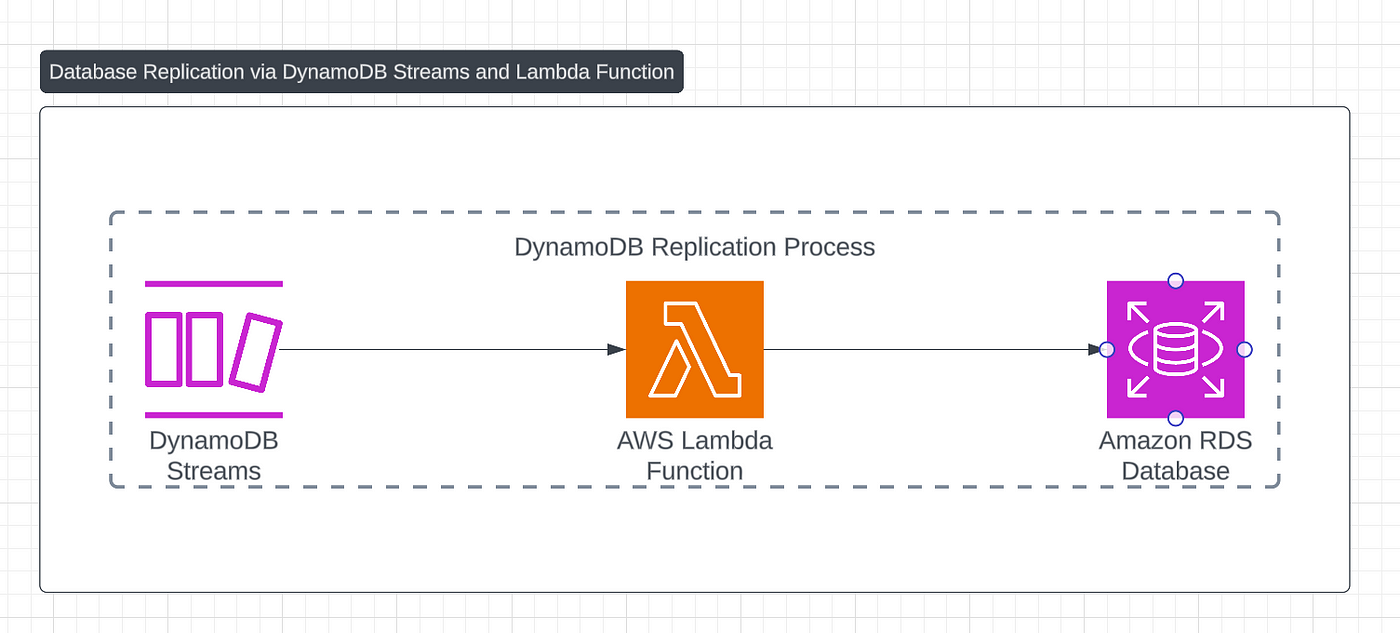
Here’s a high level overview of the process:
Enable DynamoDB Streams on our origin table
Create a serverless function that is triggered on change events.
Write the changed data to our secondary database.
In the implementation below, we’ll look at the process in finer detail along with some code examples.
Implementation
1. Enable DynamoDB Streams
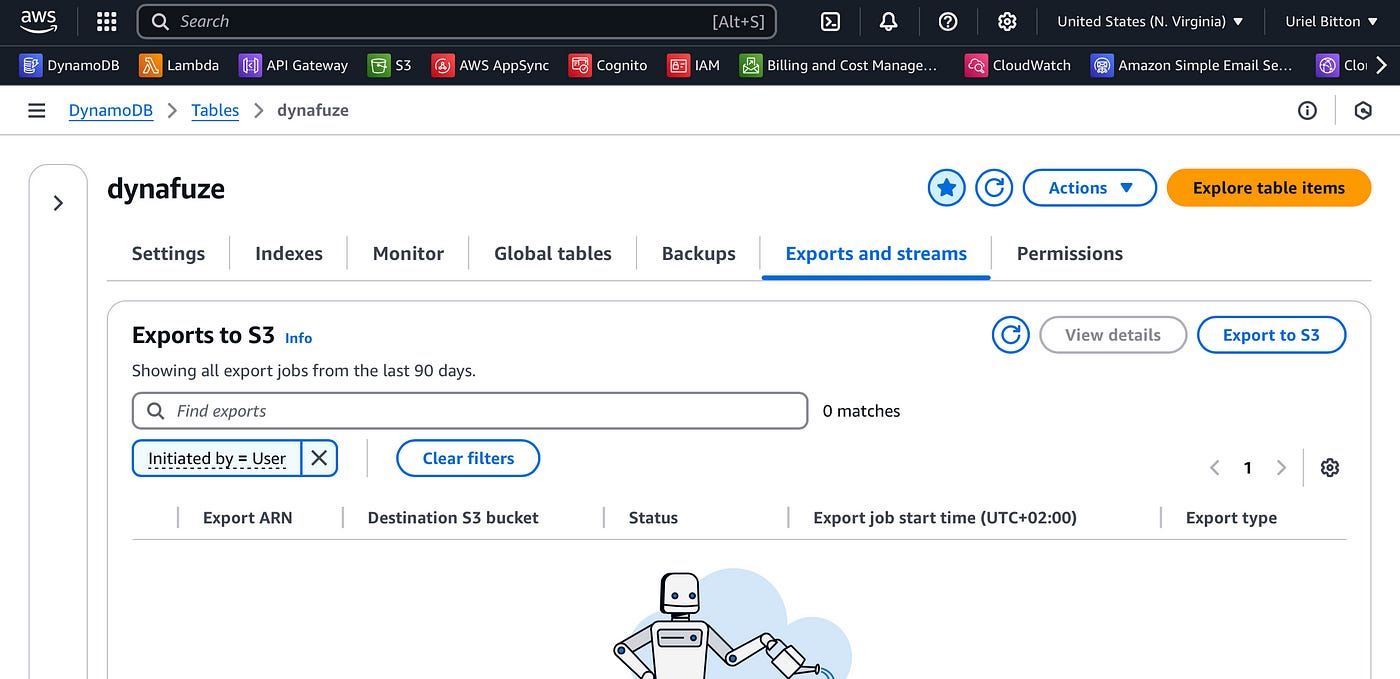
In the AWS console, head over to the DynamoDB service and select your origin table.
Select the Exports and streams tab.
Scroll down to the DynamoDB stream details section.
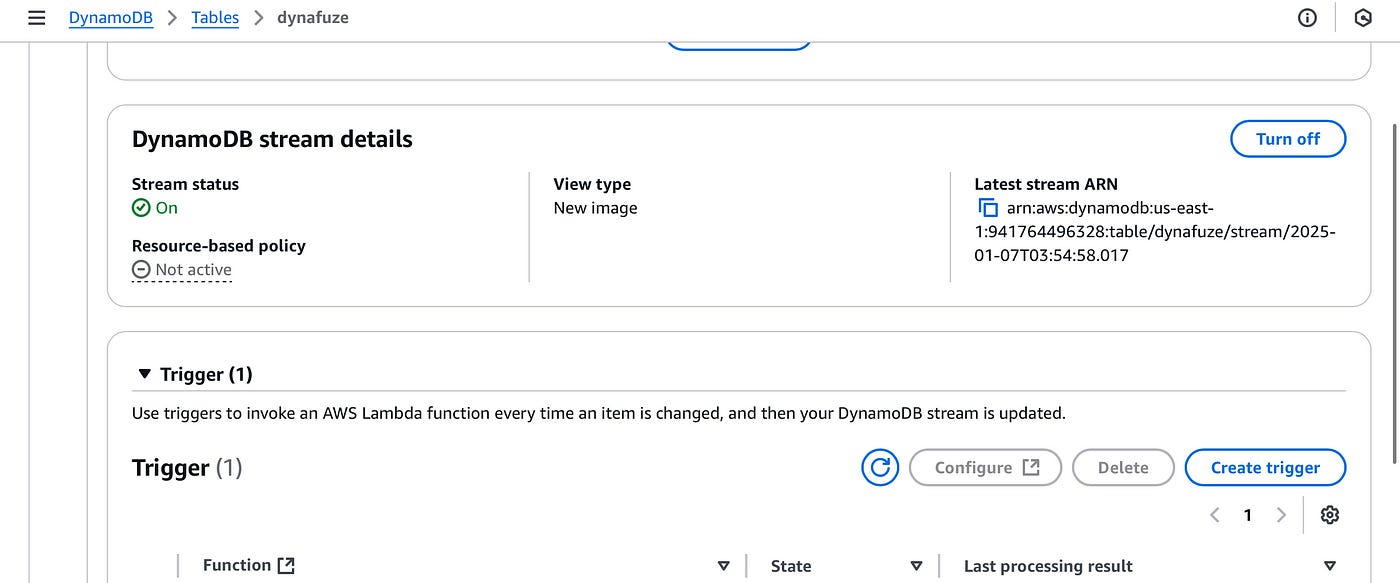
Here, turn on the stream using the Turn on button. On the stream configuration page select “old and new images”.
Then under Trigger, click on Create trigger to create a new trigger.
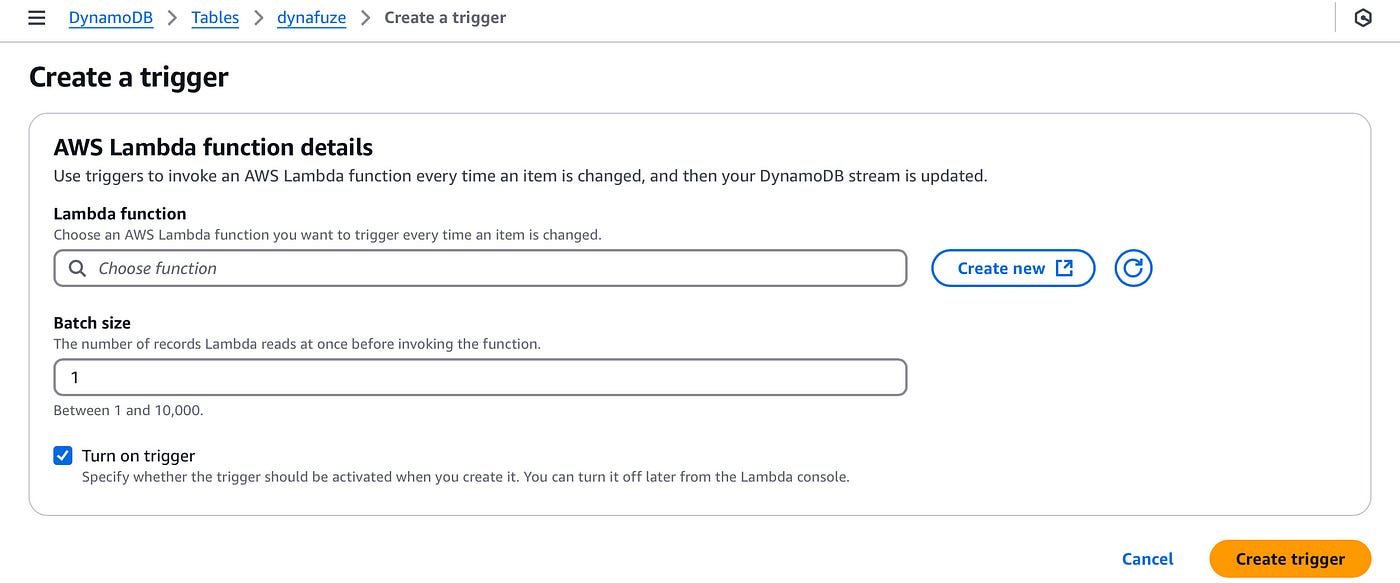
Create a new Lambda function by clicking the Create new button.
2. Create a Lambda function trigger
In the Create Lambda function page, let’s create a new function with the following configuration:
Select “Author from scratch”.
Name the function “replicate-dynamodb-rds-data”
Choose the Node JS runtime
Choose the arm64 architecture
Provide permissions to this function to read from DynamoDB and write to RDS.
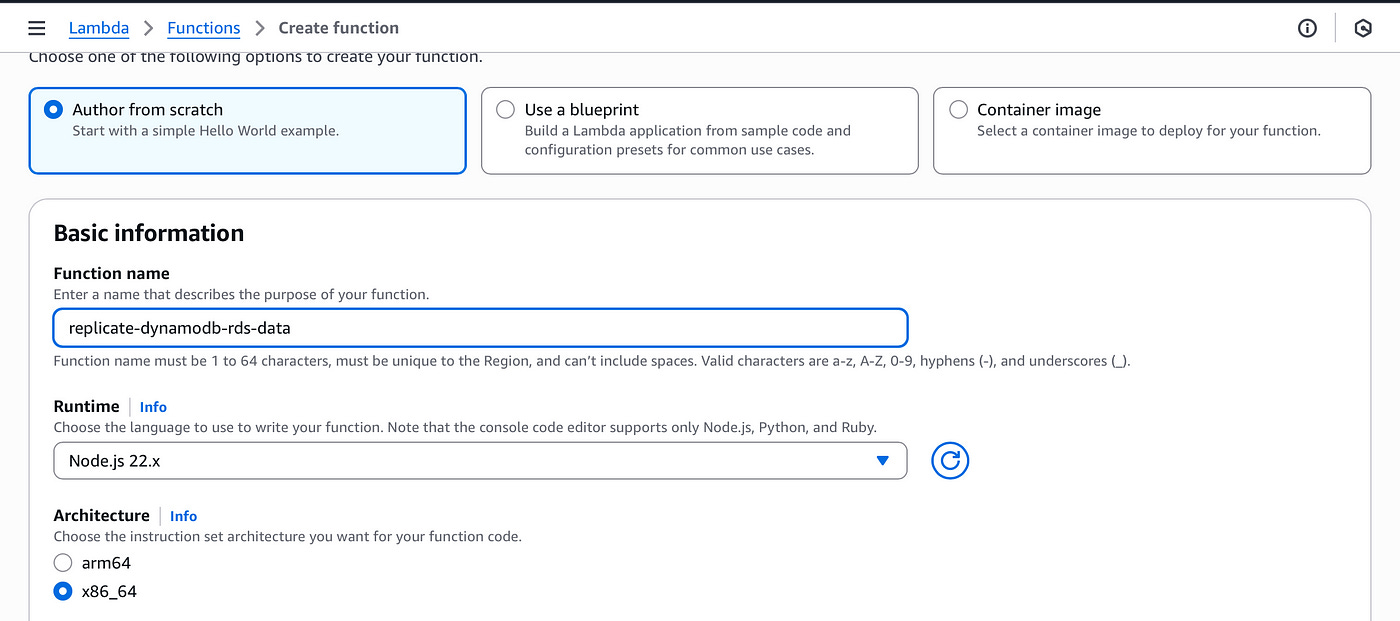
Create the function.
3. Write change events data to RDS
Let’s now write the code to capture each item that is written to our origin DynamoDB table and replicate it to our RDS instance.
import mysql from 'mysql2/promise';

export const handler = async (event) => {
  const connection = await mysql.createConnection({
    host: 'your-rds-endpoint.rds.amazonaws.com',
    user: 'your-username',
    password: 'your-password',
    database: 'your-database-name'
  });

  try {
    for (const record of event.Records) {
      if (record.eventName !== 'INSERT') continue;

      const newImage = record.dynamodb.NewImage;

      const name = newImage.name.S;
      const email = newImage.email.S;

      await connection.execute(
        'INSERT INTO users (name, email) VALUES (?, ?)',
        [name, email]
      );
    }

    await connection.end();

    return {
      statusCode: 200,
      body: JSON.stringify({ message: 'Insertions complete' })
    };
  } catch (err) {
    await connection.end();
    return {
      statusCode: 500,
      body: JSON.stringify({ error: err.message })
    };
  }
};
The code will connect to your RDS instance. It is automatically triggered when there is a new item written to DynamoDB.
The function will simply mirror that item to the RDS instance “users” table, by adding the name and email from the DynamoDB item.
All that is left is to deploy and connect the function to our DynamoDB table.
Click on Deploy to save and deploy the Lambda function.
Next, return to the previous browser tab where we added the Lambda trigger:
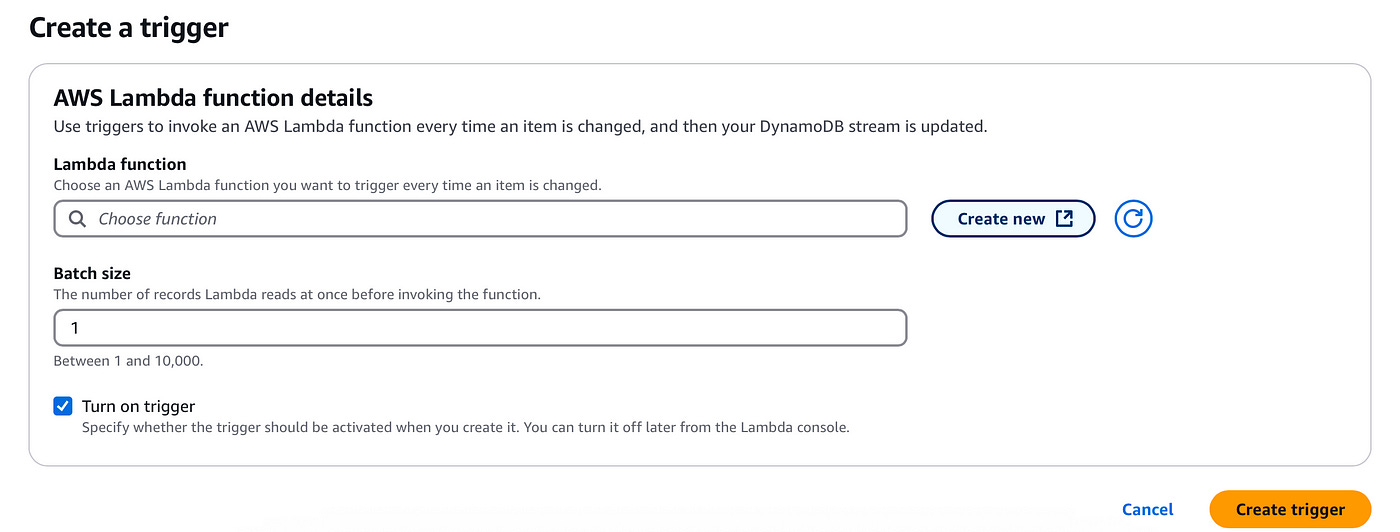
In the Lambda function input, find and add the new function we just created. You can now click on Create trigger to add the trigger.
If you did everything right, your newly written data on DynamoDB will be replicated automatically to your RDS table.
Conclusion
Replicating your DynamoDB table to a secondary database is a powerful way to support additional use cases such as search, analytics, or migrations.
With DynamoDB Streams and a Lambda trigger, you can build a seamless and automated replication pipeline quickly and with ease.
In this article we took a look at building this automated pipeline by enabling DynamoDB streams on our origin table, creating a serverless function and writing the code to capture writes to our DynamDB table and replicating them to our secondary RDS table.
👋 My name is Uriel Bitton and I’m committed to helping you master Serverless, Cloud Computing, and AWS.
🚀 If you want to learn how to build serverless, scalable, and resilient applications, you can also follow me on Linkedin for valuable daily posts.
Thanks for reading and see you in the next one!